FreePDF: The Bates numbering functions are not included in FreePDF.
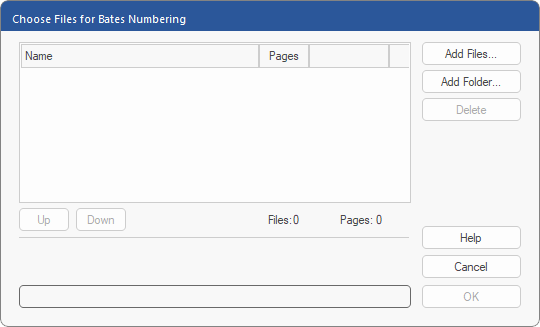
First, select the PDF files for which you want to perform Bates numbering.
To do so, proceed as follows:
| 1. | Choose the ribbon command Insert | group Text | Bates numbering  . . |
| 2. | Click on Add Files or Add Folder to select the PDFs that you want to number. |
| There is no limit to the number of PDFs that can be numbered. |
| 3. | Once you have added the desired files, click on OK. |
| 4. | Select the folder in which you want to save the numbered PDFs. |
Note: Choose a folder other than the one in which the original files are located to ensure that your original files are not overwritten by the numbered versions.
| 5. | The program now displays another dialog box in which you can configure the format of the numbering. For more information, see the next section Formatting. |