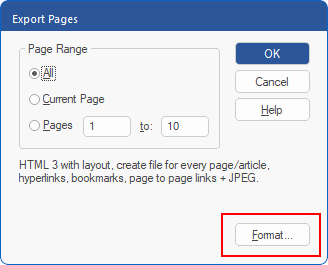
To go to the general export settings, click on the Format button of the dialog box "Export Pages" (File | Export | Pages as).
Note: You will also find this button in the dialog box "Export article" (File | Export | Articles as) if you want to export articles.
Choose the General tab.
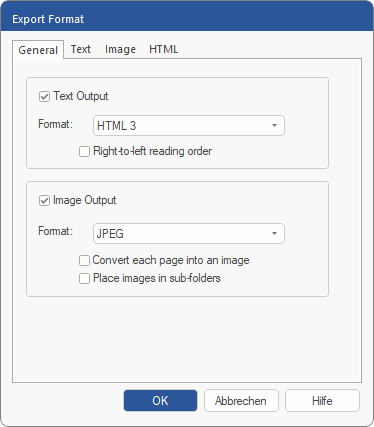
Use this tab to set basic settings for Text output and Image output when exporting.