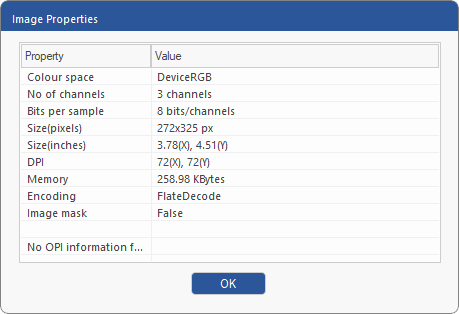
Open the dialog box Image Properties to see an image's properties, such as resolution and color depth:
| 1. | Select the Object tool  in the Quick access toolbar. in the Quick access toolbar. |
| 2. | Select the desired image. |
| 3. | Choose the ribbon command Format | group Image | Properties  . . |
 |