Would you like to arrange text or figures in a presentation in a clear tabular form? Then use the practical table function of Presentations.
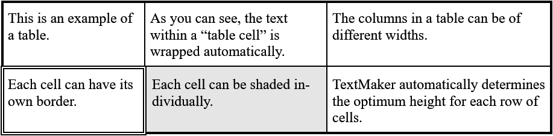
In this section, you will learn everything you need to know about working with tables. The information covers the following topics:
▪Selecting table cells and cell contents
▪Deleting, copying, moving cell contents
▪Deleting and inserting table cells
▪Splitting and merging table cells
See the following pages for more information.