If you want, you can now print your first document for review. To do so, choose the ribbon command File | Print.
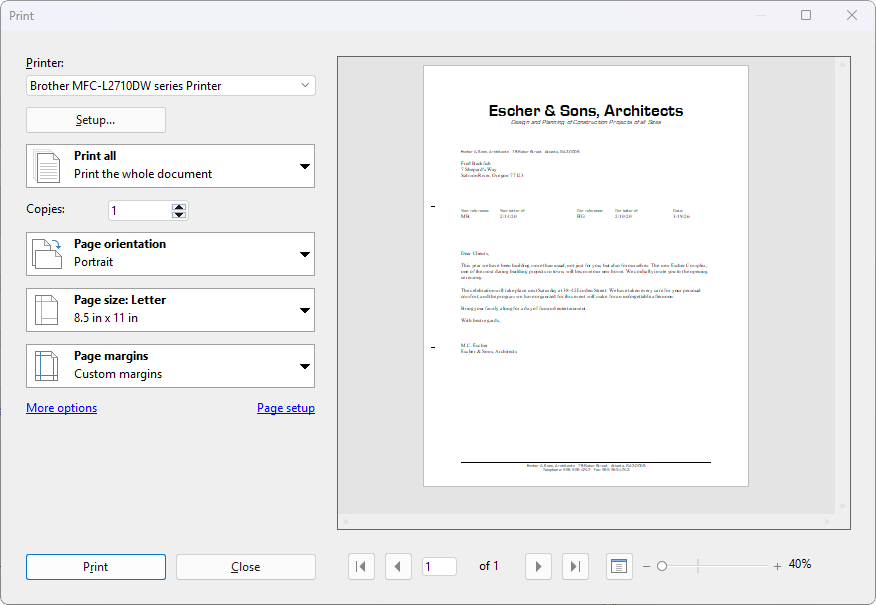
The dialog box for File | Print
In the dialog box "Print", you can specify how many copies and which pages are to be printed. By default, one copy of all pages is printed. Confirm with OK.
Tip: Before you actually print anything, you can check the print preview on the right side of the dialog box. This feature enables you to avoid wasting paper on test prints.